 SpendPal
Your spending, understood.
Scan a receipt and every line lands in the right place. Tell Siri what you spent. See where your money really goes — while your data stays on your phone and in your own iCloud.
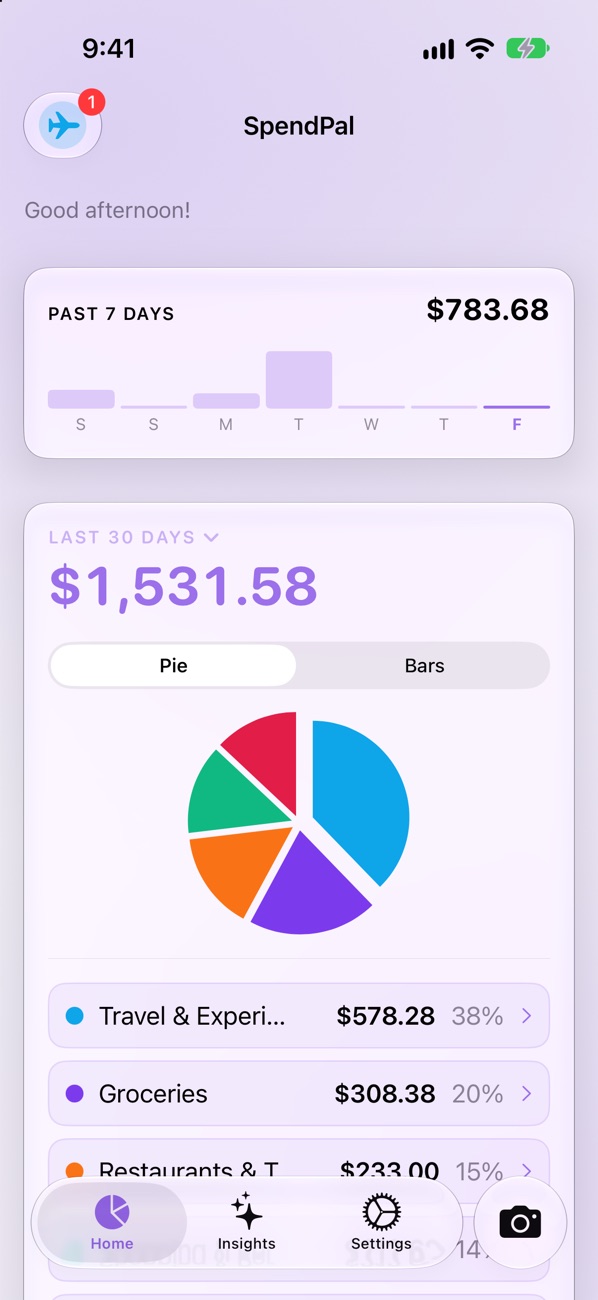
Most apps stop at “Groceries: $240.”
SpendPal goes line-item deep.
Every line on the receipt is read, named the way you would say it, and filed — so you can see it was the fruit, not just “groceries”.
“I built SpendPal for my wife and me. Every budget app told us groceries were expensive — we knew that already. SpendPal showed us the line: fruit, ordered online every week. Now we buy it at the market on weekends, and the habit stuck.” — Alex, founder
Add an expense however it happens.
Real life is messy. The fastest way to log a purchase is whichever one is closest.
Scan
Camera, photo library or a PDF. Every line read.
Quick entry
Amount, category, done. Two taps for the daily coffee.
Siri
“12 at Joe’s Coffee.” One sentence, filed.
Share sheet
From Mail, Files or a store app, straight in.
Manual
Every field yours, line items included.
Shortcuts
Your regulars — coffee, fuel, the gym — one tap from Home, last amount ready.
Just say it.
“Hey Siri, log expense in SpendPal.” Answer in one sentence and it’s saved — filed under the shop’s usual category, with a card to change it or undo.
- Ask, too — “How much did I spend this week?”, on groceries, or at one shop.
- In five languages — English, German, French, Spanish and Arabic.
- Unsure of the category? It waits in “to sort” on Home, one tap to file.
- Shortcuts app & Action Button — the same actions work in your own shortcuts and automations, or one press of the Action Button.
See where it actually goes.
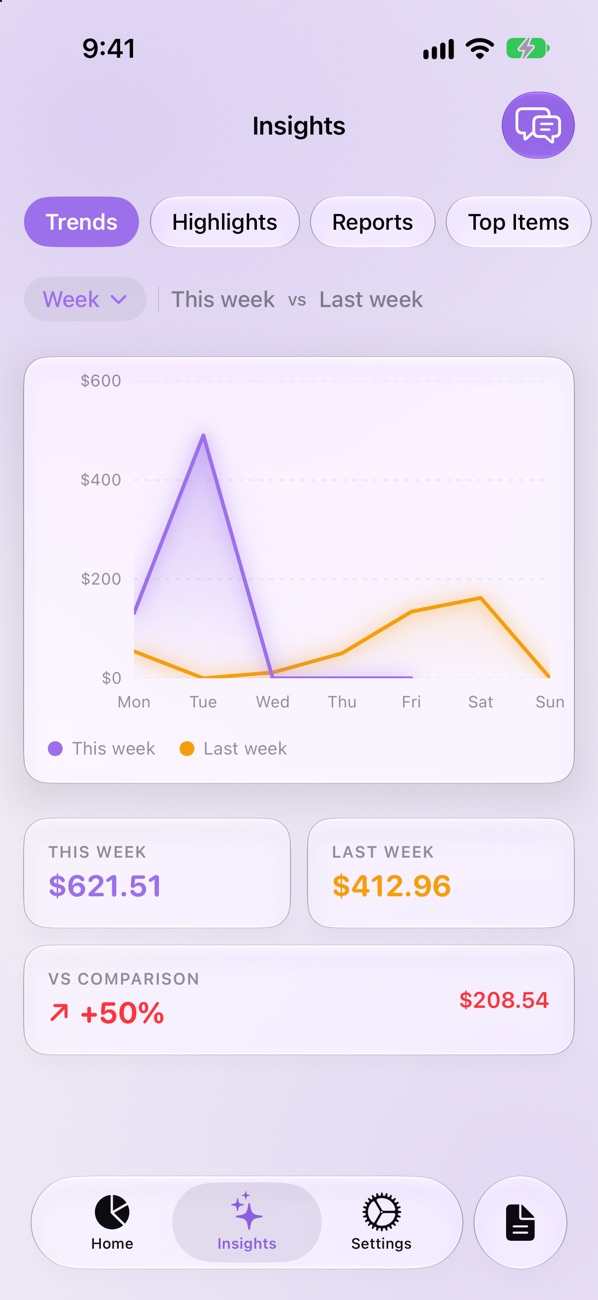
This week against last, the shops you return to, the items you buy most — and what changed.
- Trends and highlights — week, month or year, compared side by side.
- Ask SpendPal — chat about your spending with on-device AI. Nothing leaves your phone.
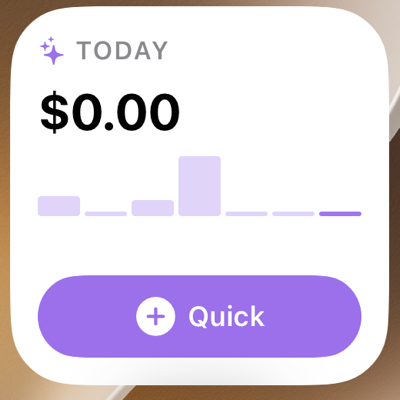
- Widgets — today’s total and your week on the Home Screen, with a Quick button to log without opening the app.
- Export — a clean PDF report or a CSV for your spreadsheet.
Same item. Cheaper down the road.
Because SpendPal knows every line you bought, it notices when the same thing costs less at another shop you already use — and tells you how much you’d save each time.
- From your own receipts — real prices you paid, not ads or price lists.
- Only worth-it switches — at least 15% cheaper, on things you buy regularly.
- Every shop side by side — tap an item to see what you paid where.
Comparison assumes similar quantities.
Rename once. Remembered forever.
Receipt says CHRY TOM PNT? Tap it, type “Cherry tomatoes”. Every future scan uses your name — and so do your charts and reports.
Any currency
Read from the receipt and converted to yours at live rates — 150+ currencies.
Long receipts & PDFs
Split shots of a long till roll, or invoices up to 20 pages.
Totals checked
When the items don’t add up to the total, SpendPal says so before you save.
Merge suggestions
“Mc’Donalds” and “McDonalds” become one shop when you say so.
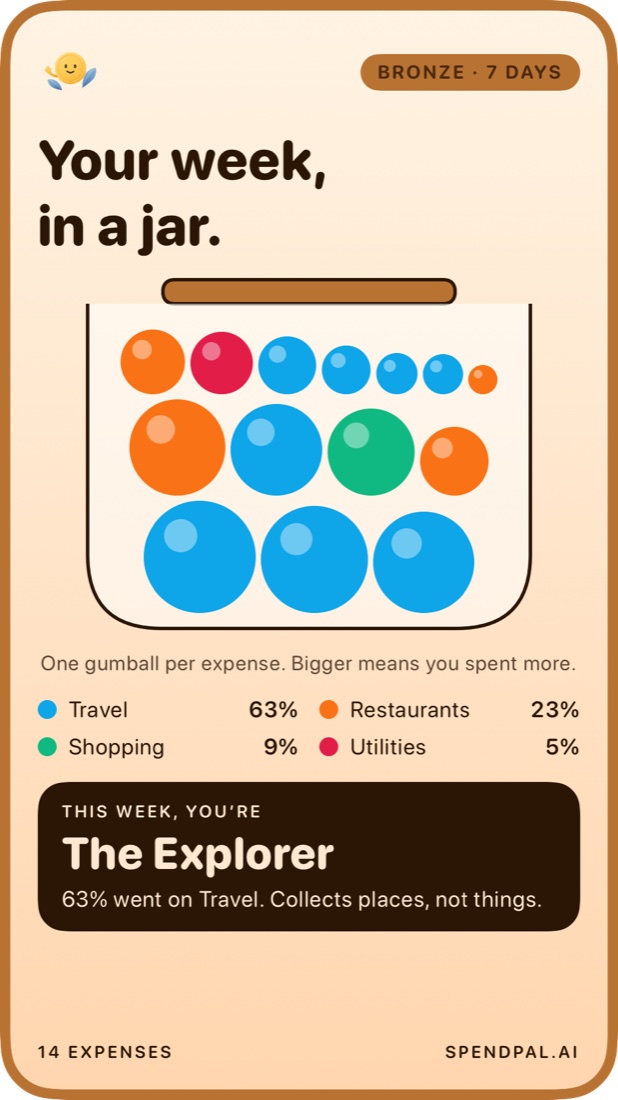
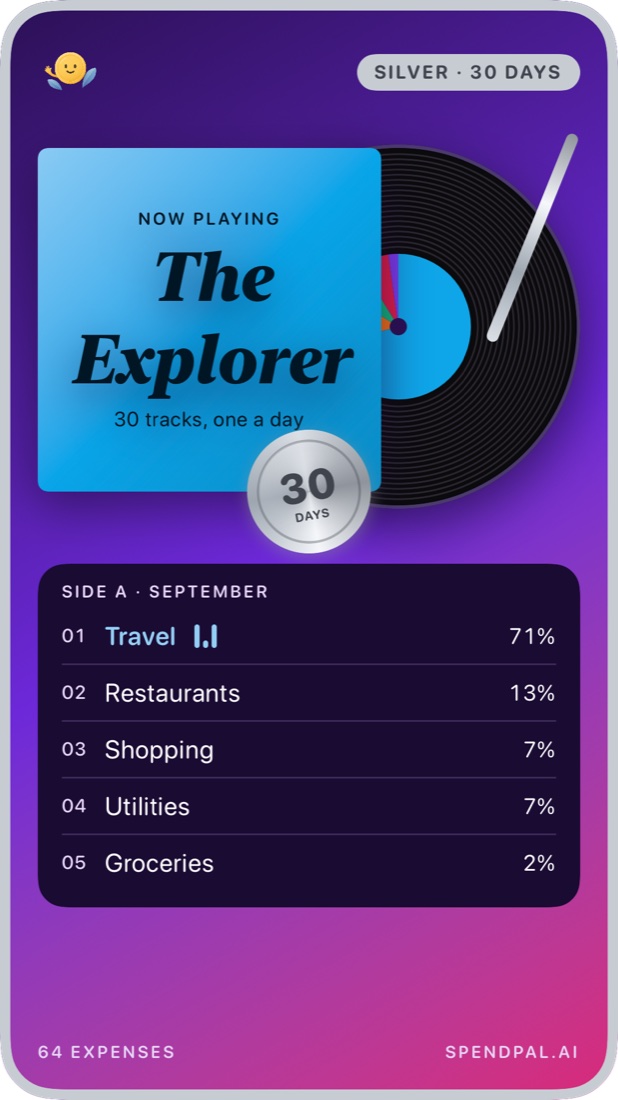
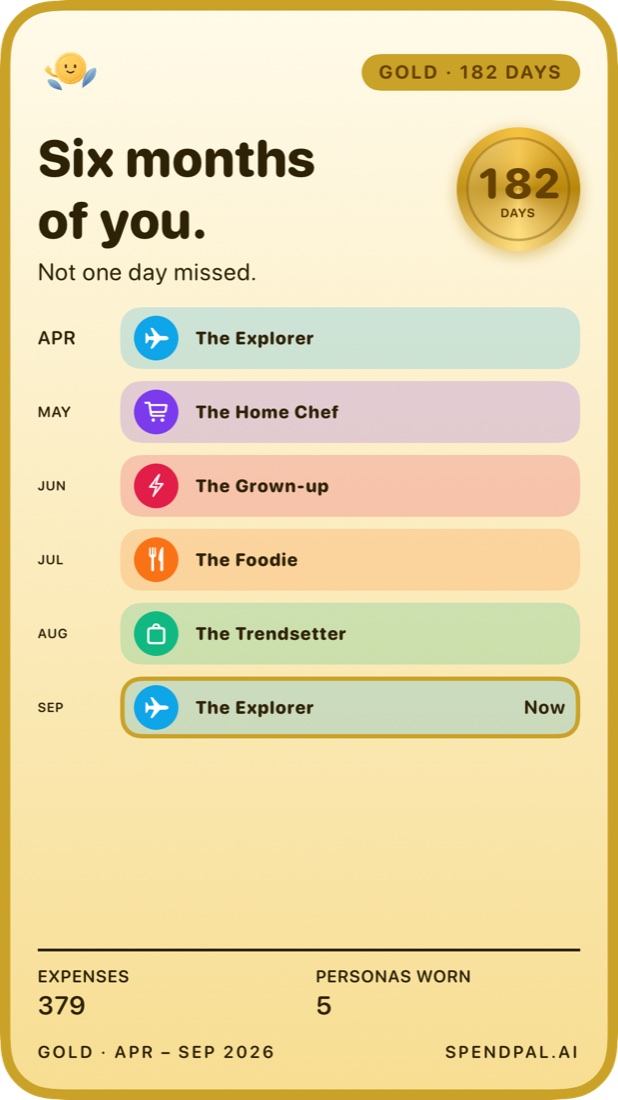
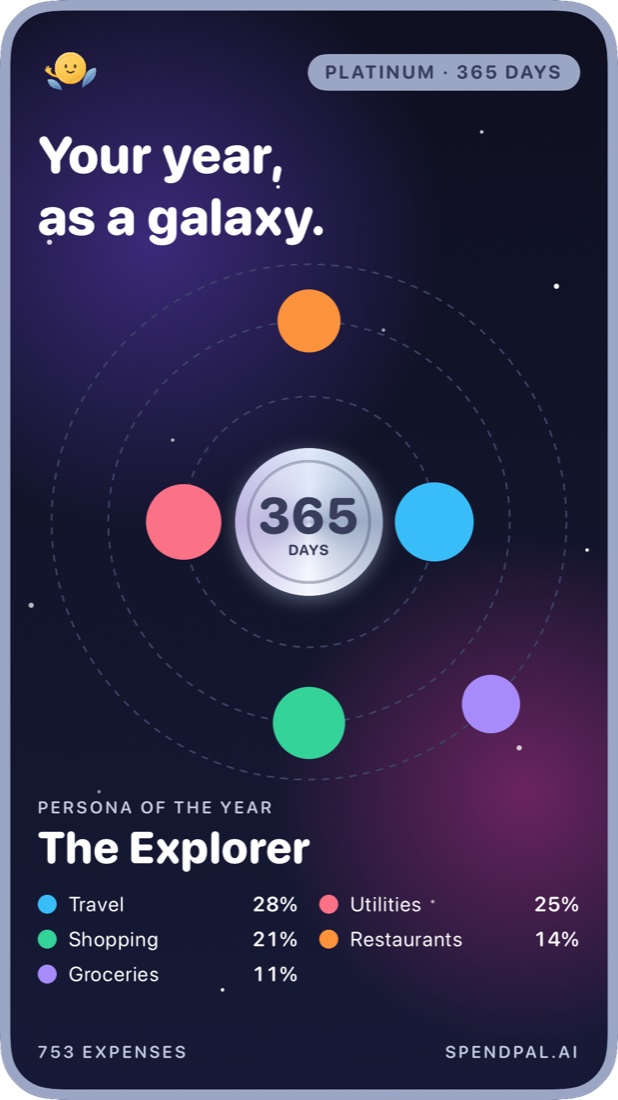
Keep a streak. Earn a card worth sharing.
Log something every day and SpendPal turns your own spending into a card — share it as an image or a six-second video, with or without the amounts.
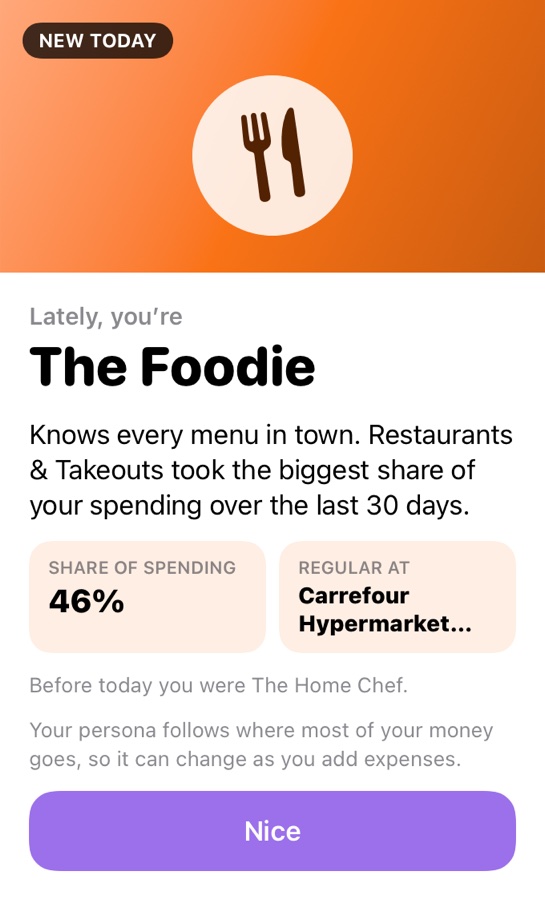
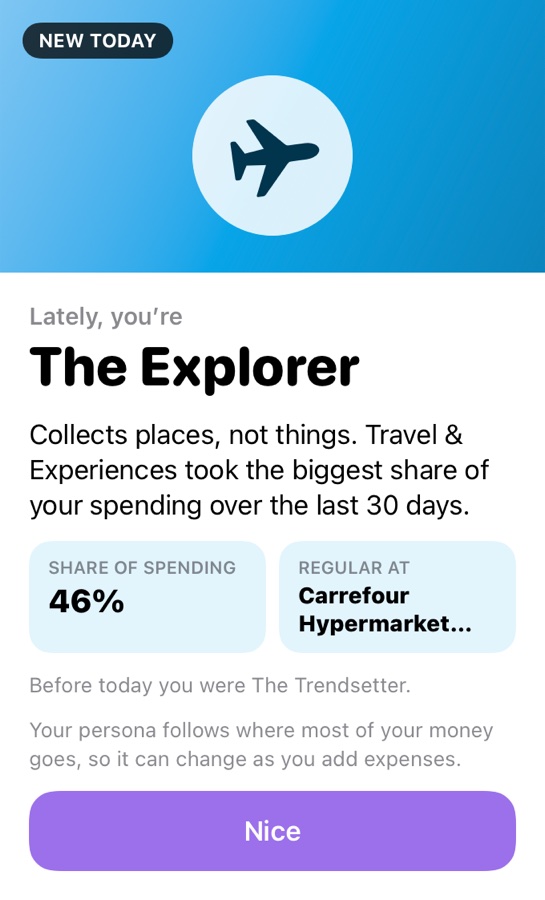
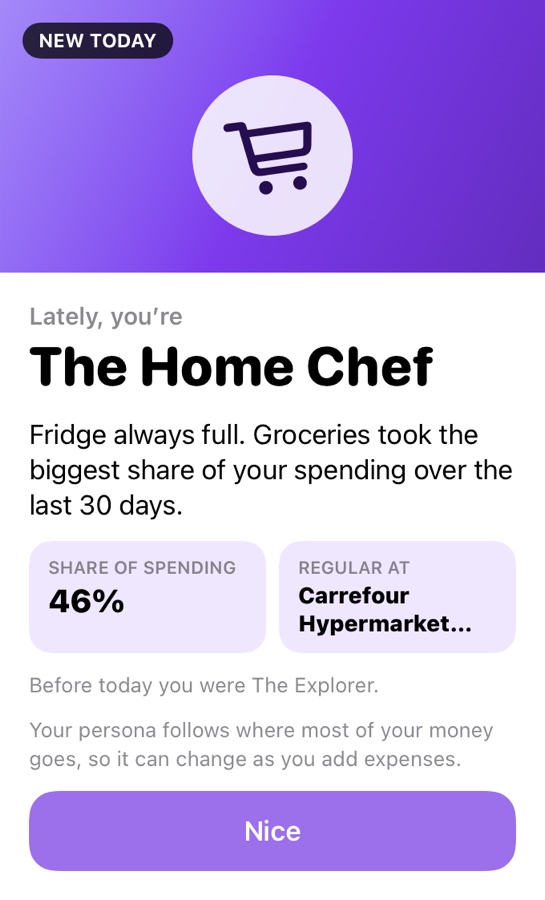
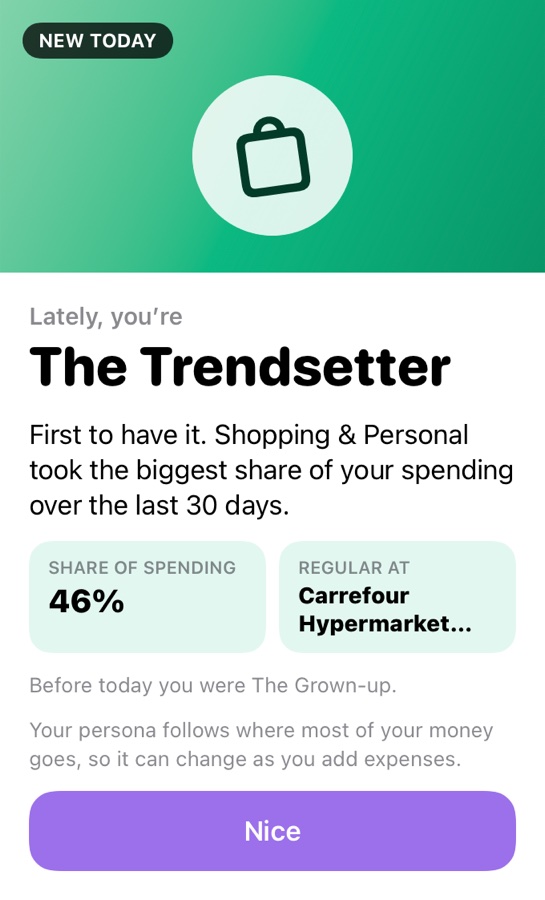
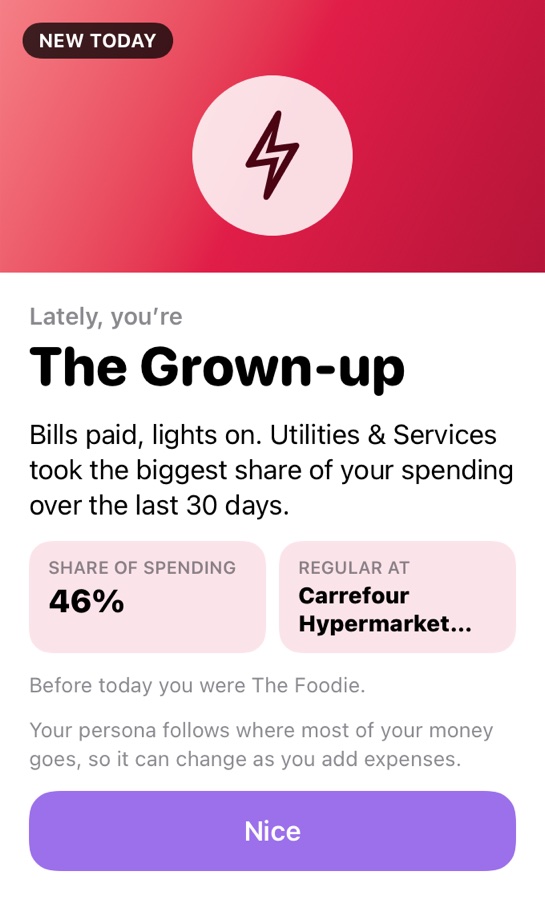
And a persona that follows your spending.
Whichever your last 30 days say you are. It changes as you do, and it’s yours alone.
The clever parts happen on your phone.
SpendPal uses the AI built into your device for everything it can. No account, no upload, nothing waiting on a server.
Reads the receipt
The photo is turned into text right on your phone. The picture itself stays there.
Hides your details
Phone numbers, emails, card numbers and your name are removed before anything leaves.
Explains your spending
Written insights and a chat you can ask “where did it go this month?” — answered on the device.
Files what Siri hears
“12 at a café you’ve never logged” still lands in the right category, worked out on the device.
One step uses the cloud: turning a receipt’s text into items and prices. Only that text is sent, with your details removed, and nothing is kept.
Your money is your business.
No account, no bank login, no ads. SpendPal is built so the people who make it can’t read your expenses.
Expenses in your iCloud
Everything you record lives on your device and syncs through your own private iCloud. We have no copy.
Almost nothing on our side
A count of your scans this month and whether you’re Pro, under an anonymous ID. No name, no email, no expenses.
Nothing watching
No advertising, no tracking, no third-party analytics. Crash reports say only what broke, never what you bought. The AI that explains your spending runs on your device.
iPhone, iPad, and the fold in between.
Two columns where there’s room — the receipt beside its result on iPad and on foldables, one tidy column on your phone. In six languages, right-to-left included.
Everything is free. Scans are what Pro adds.
Both plans do everything. Reading a receipt costs us real money with Google’s Gemini AI — Pro covers that bill.
Quick entry, Siri, manual and everything else — unlimited.
No counter on screen — scan every receipt you get.
- AI scanning of photos & PDFs
- Line items, named your way
- Siri logging & spending questions
- Share sheet imports
- Insights, trends & reports
- Where to save, from your own prices
- On-device AI chat & insights
- Streak awards & personas
- 150+ currencies, live rates
- Recurring expenses
- Shortcuts for your regulars
- Home Screen widgets
- CSV & PDF export
- iCloud sync across devices
Prices in US dollars; the App Store shows yours in your currency.
Questions
Does SpendPal connect to my bank?
No. You add expenses by scanning, typing, sharing or telling Siri. Nothing is read from your bank, and there is no account to create.
What leaves my phone when I scan?
The text of the receipt, after phone numbers, emails and card numbers are removed. It goes to our scanning service in the EU, which asks Google’s Gemini to read it and keeps nothing. The photo itself stays on your phone — unless a total can’t be checked and you tap to send the photo for a second read.
What happens if I stop Pro?
You go back to five scans a month. Every expense you recorded stays exactly where it is.
Which devices does it run on?
iPhone and iPad with iOS 26 or later. The on-device chat and written insights need a device with Apple Intelligence; everything else works on all of them.